Agar aapko travel aur nature wali photos pasand hai, to simple photo ko misty mountain look dena ek interesting idea ho sakta hai. Green hills, fog, tall white grass aur cloudy weather milkar photo ko ek cinematic travel-shot jaisa feel dete hain.
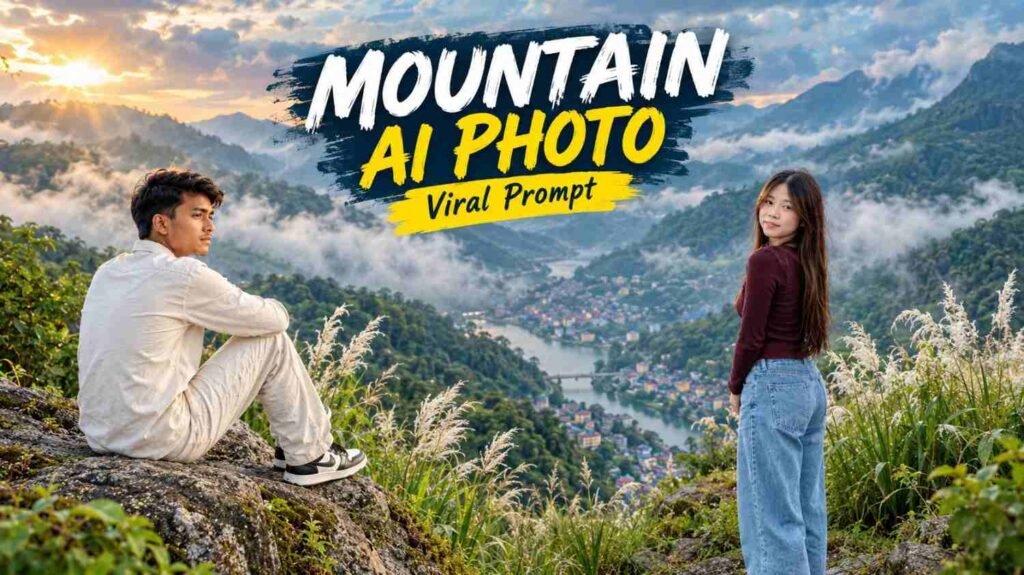
AI Photo Editing ki help se aap apni normal photo ko isi type ke mountain environment mein transform karne ki koshish kar sakte hain. Aapko bas ek clear photo upload karni hai aur ek detailed prompt use karna hai.
Is article mein diya gaya Viral Moution Image Prompt specially misty mountain, grass field aur natural travel photography style ko dhyan mein rakhkar banaya gaya hai.
Is Look Mein Sabse Zyada Kya Notice Hoga?
Is style ka main attraction foggy green mountains aur tall white flowering grass hai. Background ko soft mist mein rakha jata hai, jabki person comparatively clear aur sharp rehta hai.
Maroon top, light-blue jeans aur green surroundings ke beech natural contrast bhi image ko visually interesting banata hai.
Normal Photo Ko Mountain Scene Mein Kaise Laayein?
Is type ki image ke liye AI ko sirf background change karne ko bolna enough nahi hota. Mountain ka weather, fog, plants, clothing, pose aur lighting sabko ek saath describe karna useful hota hai.
Yahan main focus ek natural standing pose par hai, jahan person thoda camera se away hota hai aur shoulder ke through back look deta hai. Isse image candid travel photo jaisi lag sakti hai.
Apni Photo Se Ye Effect Try Karne Ka Easy Tarika
Pehle ek clear photo choose karein jisme face aur body reasonably visible ho. Uske baad image upload karke neeche diya gaya prompt paste karein.
Result generate hone ke baad face, hands, clothing aur background ko check kar lena achha rahega. Kabhi-kabhi ek hi prompt se exact result nahi aata, isliye small changes ke saath dobara try kiya ja sakta hai.
Boy Viral Moution Image Prompt:
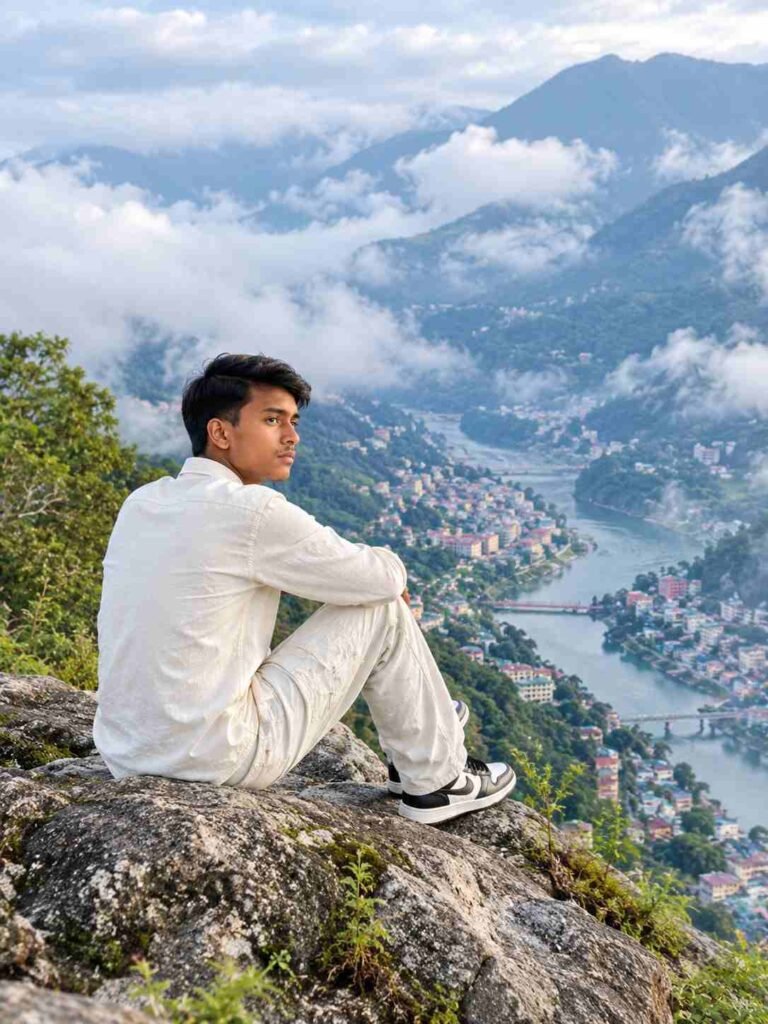
🏔️ Cinematic Mountain Travel Portrait AI Prompt
Girls Viral Moution Image Prompt:
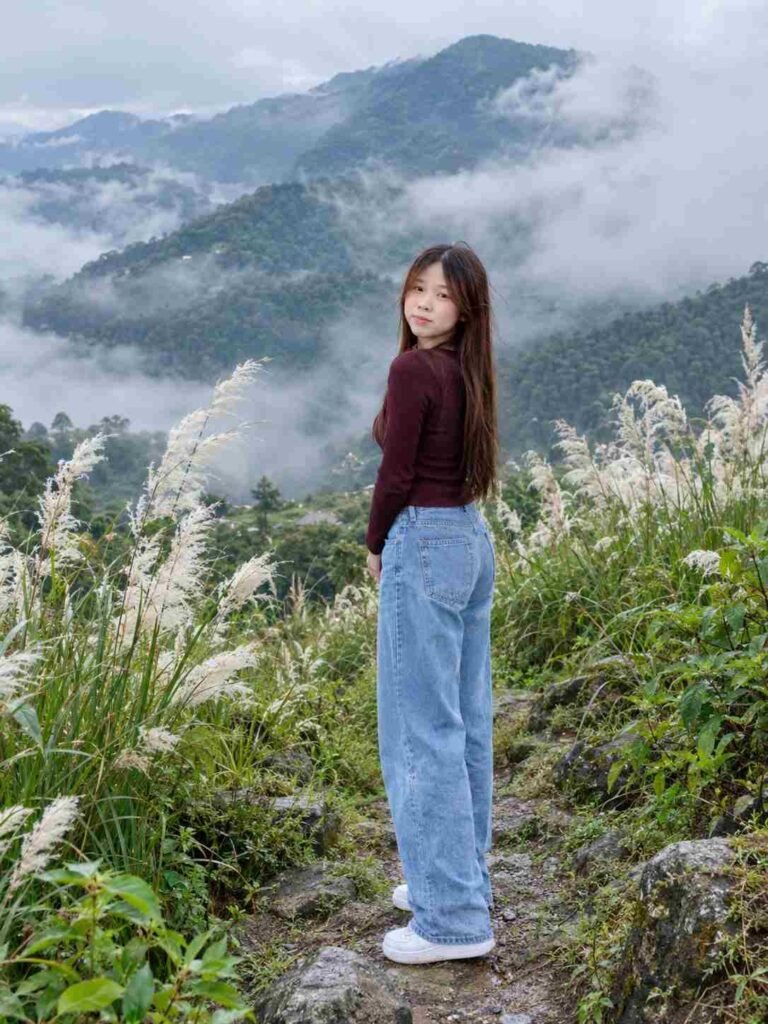
🌿 Misty Mountain Pampas Grass AI Photo Prompt
Pose Mein Chhota Sa Twist Kyu Hai?
Is image mein person directly camera ko face nahi kar raha. Body thodi opposite direction mein hai aur face shoulder ke through camera ki taraf turn hai.
Aisi pose image ko simple passport-style portrait ke bajay candid travel photography jaisa feel de sakti hai.
Fog Aur Mountain Background Ko Realistic Kaise Rakhein?
Misty scene mein sabse important cheez atmosphere hoti hai. Fog bahut zyada thick hogi to background completely disappear ho sakta hai, aur bahut kam hogi to desired mood nahi banega.
Isliye prompt mein layered mountains, soft fog aur low clouds ka combination diya gaya hai. Isse foreground aur background ke beech natural depth create karne ki koshish hoti hai.
Kya Is Prompt Se Sirf Ek Photo Chahiye?
Haan, ye prompt single uploaded photo ke liye design kiya gaya hai. Separate mountain background ki zarurat nahi rakhi gayi hai, kyunki environment prompt ke andar hi explain kiya gaya hai.
Isliye reader apni normal photo ke saath directly ise test kar sakta hai.
Kya Outfit Apne Hisab Se Change Kar Sakte Hain?
Bilkul. Maroon top aur light-blue jeans sirf ek styling example hai.
Aap jacket, hoodie, kurta ya casual shirt bhi try kar sakte hain. Bas weather aur mountain environment ke according outfit select karna zyada natural lagega.
Final Result Ko Better Banane Ka Simple Trick
Agar first output mein fog zyada hai, pose sahi nahi hai ya grass kam dikh rahi hai, to poora prompt change karne ke bajay sirf wahi detail modify karein.
For example:
“Make the fog lighter and keep the mountain details more visible.”
Ya:
“Keep the subject sharper and the background softer.”
Aise small adjustments se desired composition ke closer result try kiye ja sakte hain.
FAQs:
Viral Moution Image Prompt kya hai?
Ye ek AI Photo Prompt hai jo normal photo ko misty mountain, green hills aur cinematic travel scene mein transform karne ke liye use kiya ja sakta hai
Kya ek normal photo se mountain image ban sakti hai?
Haan, single uploaded image ko identity reference ke roop mein use karke mountain-style AI portrait create karne ki koshish ki ja sakti hai.
Kya background change kar sakte hai?
Haan, mountain background ko forest, valley, waterfall ya kisi aur travel location se replace kiya ja sakta hai.
Kya mobile se ye AI photo bana sakte hain?
Haan, supported AI image features available hone par mobile se bhi photo upload karke prompt use kiya ja sakta hai.
Final Words:
Misty mountain, white flowering grass aur cloudy weather ka combination simple portrait ko ek completely different travel-photo feel de sakta hai. AI ki help se aap apni normal image ke saath isi type ka creative scene try kar sakte hain.
Upar diya gaya Viral Moution Image Prompt specially single-photo editing ko dhyan mein rakhkar banaya gaya hai. Aap ise apni clear photo ke saath try karein aur zarurat ke hisaab se fog, outfit, pose ya background mein small changes karte rahein.