Aaj kal normal photo ko thoda creative banane ke liye log AI Photo Editing ka use kar rahe hai night photos mein city lights, rain, wet roads aur dark background ka combination photo ko ek cinematic feel de sakta hai.
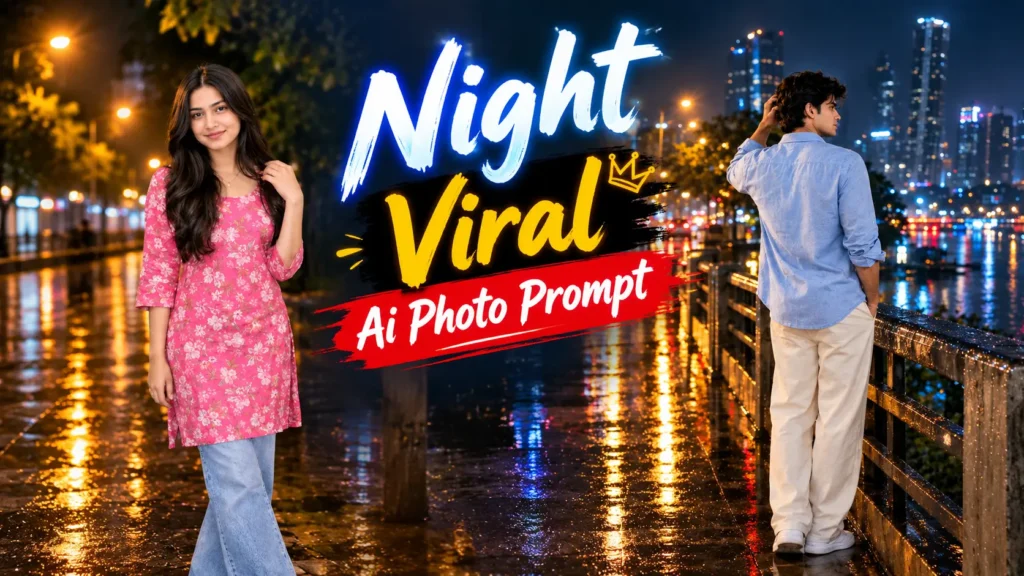
Lekin achha result paane ke liye sirf “night photo bana do” likhna kaafi nahi hota. AI ko ye samjhana padta hai ki person kahan khada ho, kapde kaise hon, lighting kis direction se aaye, background kaisa ho aur rain effect kitna natural ho.
Is article mein Night AI Photo Prompt ko step by step samjhenge. Aap apni normal photo upload karke isi type ka rainy city portrait try kar sakte hain
Night Photo Ka Look
Is style ka main focus ek calm rainy-night atmosphere hai. Person bridge ya riverside walkway par khada hota hai aur saamne city lights ka view hota hai.
Wet surface par streetlights aur traffic lights ki reflection photo ko aur attractive banati hai. Background mein buildings aur trees softly blurred rakhe ja sakte hain.
Person ko mostly back pose mein rakha gaya hai, jisse photo thodi candid lagti hai.
Step 1: Clear Photo Choose Kare
Sabse pehle apni ek clear image choose karein.
Face aur hairstyle visible hona better rahega. Bahut dark, blurry ya heavily filtered photo se AI ko original appearance samajhne mein difficulty ho sakti hai.
Is type ke edit ke liye portrait ya full-body image useful rahegi.
Step 2: Photo Upload Kare
Ab apni selected image ko supported AI image editing tool mein upload karein.
Uploaded image ko identity reference ke roop mein use karna hai. Isliye prompt mein face, skin tone, hairstyle aur body proportions ko natural rakhne ki instruction di gayi hai.
Step 3: Night Background Set Kare
Ab AI ko exact environment batana hai.
Is example mein wet urban bridge, riverside walkway, distant buildings, trees aur city lights ka combination hai. Background ko realistic rakhne ke liye soft bokeh aur atmospheric haze add kiya gaya hai.
Aap isi jagah city road, flyover ya rooftop bhi try kar sakte hai
Step 4: Outfit Decide Kare
Reference style mein light-blue casual shirt aur cream trousers ka simple combination use kiya gaya hai.
Night photography mein simple clothing zyada natural lag sakti hai. Aap shirt ka color black, white ya grey bhi kar sakte hain.
Step 5: Pose Set Kare
Pose ko natural rakhna bahut important hai.
Is style mein person camera se opposite direction mein khada hai, ek hand hair ke paas hai aur body city ki taraf turned hai. Isse image ek candid moment jaisi lag sakti hai.
Step 6: Rain Effect Add Kare
Rainy photo mein sirf background par rain daalne se result complete nahi lagta.
Rain streaks, wet clothes, water droplets aur wet ground reflections bhi environment ke saath match hone chahiye. Lekin rain ko bahut heavy rakhna bhi sahi nahi hota, warna subject aur background dono unclear ho sakte hai
1.Ready Night AI Photo Prompt
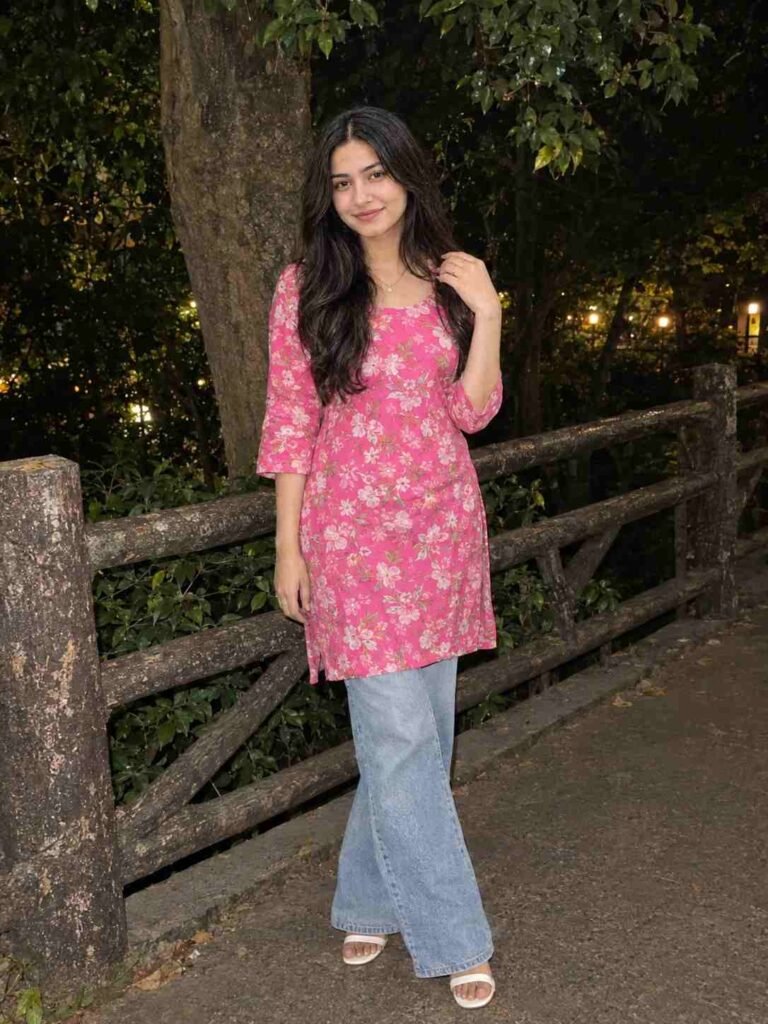
🌙 Stylish Night Outdoor Portrait AI Prompt
2.Ready Night AI Photo Prompt
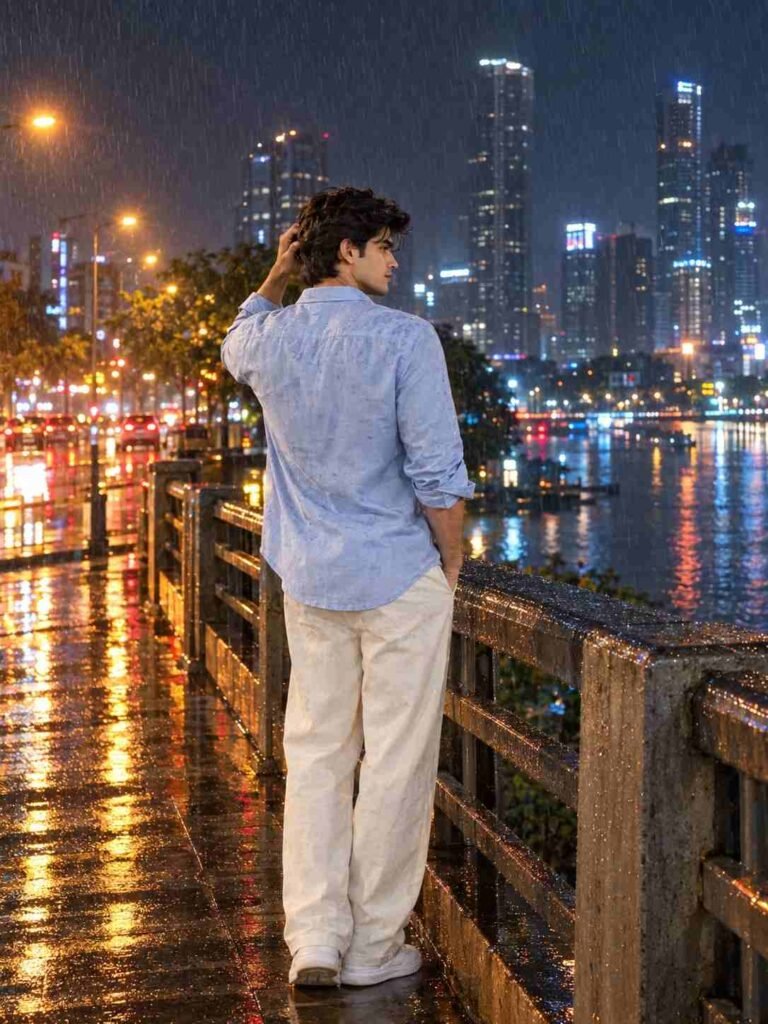
🌧️ Cinematic Rainy Night Portrait AI Prompt
Kya Sirf Ek Photo Kaafi Hai?
Is prompt ko single uploaded photo workflow ke liye design kiya gaya hai.
Aapki normal photo identity reference provide karti hai, jabki rain, city, bridge, lights, outfit aur pose prompt ke through define kiye jaate hain.
Mobile Se Bana Sakte Hain?
Haan, supported AI image-generation ya editing features available hone par mobile se bhi apni photo upload karke prompt use kiya ja sakta hai.
Result quality source image aur tool par depend karegi, isliye clear photo use karna better rahega.
FAQ:
Step by Step Night AI Photo kaise banaye?
Clear photo select karein, AI tool mein upload karein, prompt paste karein aur result ko check karke zarurat ke according changes kare
Kya background change kar sakte hain?
Haan, bridge ki jagah rooftop, city road, flyover ya riverside location try ki ja sakti hai.
Kya face original photo jaisa rahega?
Prompt identity ko preserve karne ki direction deta hai, lekin exact same facial output ki guarantee nahi hoti.
Night photo ko realistic kaise banaye?
Natural rain, controlled lighting, realistic shadows, wet-ground reflections aur accurate body proportions jaise details use karna useful hota hai.
Final Words:
Night photography ka look sirf dark background se nahi banta. Rain, reflections, city lights, pose, outfit aur lighting sab ek saath work karte hain.
Isi wajah se ye Night AI Photo Prompt sirf background replacement par focus nahi karta. Isme poora scene describe kiya gaya hai taaki normal photo ko ek cinematic rainy-night portrait ke form mein transform karne ki koshish ki ja sake.
Aap basic prompt se shuru karein aur phir apni choice ke hisaab se location, outfit, rain intensity aur lighting ko customize karein. Final image ko website ya social media par upload karne se pehle ek baar details zaroor check kare